A workable continuity plan pairs your primary connection with a backup that fails differently — different technology and a different physical path — connected through a failover device that switches automatically, sized to run the systems that make money, and tested on a schedule. This article walks through each of those five decisions, plus the short runbook that turns hardware into an actual plan.
What backup internet actually protects
Start with what stops when your connection drops, because that list — not the technology — justifies the plan. For a typical Dallas business, an internet outage now means: card terminals decline payments, VoIP phones go silent mid-call, cloud-based systems for scheduling, inventory, dispatch and email become unreachable, and staff who are fully present and fully paid can do very little. If customers meet you online first, an outage also means missed calls that quietly become someone else's customers.
That is the real math of backup internet. The question is never "do we want a second connection" in the abstract; it is "what does one hour of that list cost us, and what does a full day cost us?" For a business taking payments or running phones over the internet, the answer usually justifies a modest standing cost for a connection you hope to rarely use — the same logic as any insurance, except this insurance also pays out in saved payroll hours and kept customers, not just avoided losses.
Federal preparedness guidance at Ready.gov treats IT and communications continuity as a core element of business planning for exactly this reason: the businesses that recover from disruptions are overwhelmingly the ones that decided what "keep operating" means before the disruption arrived.
Know your failure modes before buying anything
A backup connection only helps if it survives whatever killed the primary. So before choosing one, list the ways the primary actually fails:
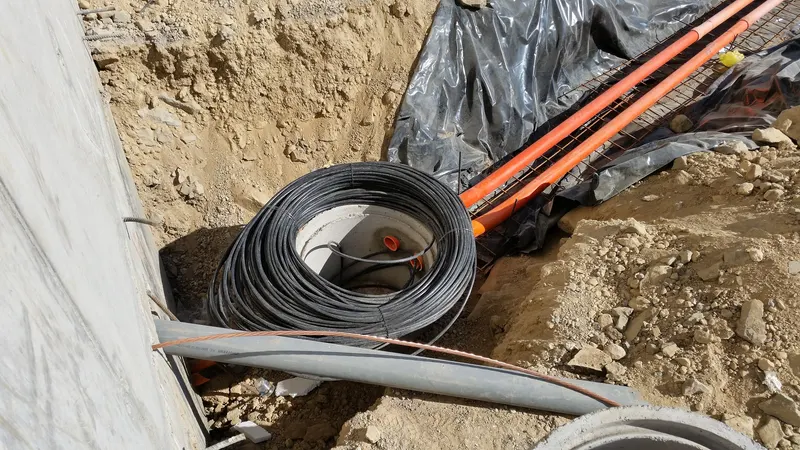
- Physical line damage. Construction crews cut buried lines; storms and vehicles take down aerial ones. Common everywhere, and the Dallas–Fort Worth area's constant excavation keeps this risk permanently on the table.
- Provider-side outages. Equipment failures, area outages, upstream problems. Nothing at your building is broken — and nothing at your building will fix it.
- Building-level failures. Power loss in the equipment room, damage to the wiring between the building entrance and your suite, landlord maintenance mishaps.
- Your own equipment. The router or firewall between your office and the world fails, which no second circuit fixes unless the failover device is part of the design.
- Widespread events. Severe weather affecting whole areas — a scenario where diverse types of infrastructure matter most.
Each mode punishes a different lazy shortcut. A second line from the same provider, in the same conduit, terminating on the same router shares almost every failure mode with the first — it protects against nearly nothing while feeling like protection. That observation leads directly to the core design rule.
The diversity rule: fail differently
The value of a backup connection is proportional to how differently it fails. Aim for diversity on three axes, in priority order:
- Different technology. If the primary is a wired connection, the strongest backup is one that does not depend on wires into your building at all — typically a wireless business connection using the cellular network. A fiber primary with a wireless backup shares almost no failure modes: a cut line, a wiring-closet problem or a provider outage on one leaves the other standing.
- Different physical path. Two wired services that enter the building through the same conduit can be severed by one excavator bucket. Wireless backup sidesteps the question; if you need two wired circuits (see dedicated options below), ask explicitly about entrance diversity.
- Different failure domain. Where practical, avoid having both connections depend on the same provider infrastructure serving your area. Perfect independence is rarely achievable at reasonable cost — treat this axis as a tiebreaker, not a requirement.
Cybersecurity and infrastructure guidance from CISA makes the same point at the national scale: resilience comes from eliminating single points of failure, not from duplicating them.
For businesses where downtime is intolerable even briefly, the primary itself can carry service-level commitments — that is the territory of dedicated circuits, and a topic of its own — but a dedicated primary still deserves a diverse backup. Redundancy and service quality are different purchases.
Failover hardware: the switch has to be automatic
The second connection is only half the design. The other half is the device that moves traffic when the primary fails — and the defining requirement is that it happens automatically, in seconds, with no one crawling behind a rack to swap cables.
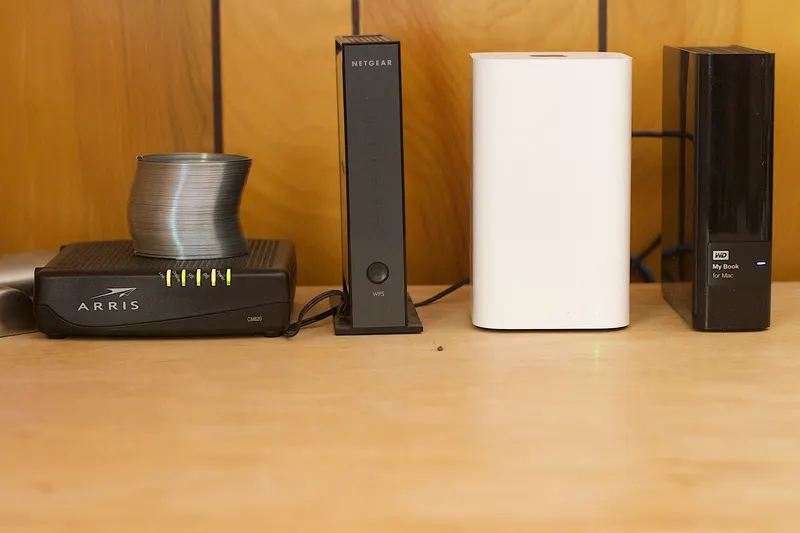
Most business-class routers and firewalls sold today support dual-WAN failover: both connections plug into one device, which monitors the primary and shifts traffic to the backup when it stops responding, then shifts back when service returns. Purpose-built wireless failover units bundle the cellular connection and the switching logic in one box. Either approach works; what matters is the behavior:
- Detection and switchover happen without human action. An outage at 6 a.m. Saturday should resolve itself before anyone knows.
- Priority rules are configured. In failover mode, payments, phones and critical cloud apps get the bandwidth; software updates, cloud backup jobs and streaming wait. Most dual-WAN devices support this — it is the difference between a calm degraded mode and a second outage by congestion.
- Someone gets notified. Failover should page whoever owns the network, because a business running on backup is a business one failure from dark — and because silent failovers hide the fact that your primary has a problem worth escalating, as covered in our guide to diagnosing unreliable office internet.
One caution: the failover device itself is now a single point of failure. Business-grade hardware, clean power (a small UPS in the closet covers both the router and the failover path during brief power blips) and a spare-configuration file stored somewhere reachable cover the realistic risks without gold-plating.
Size the backup for survival, not for normal
The backup does not need to reproduce your normal capacity — it needs to run survival mode: the shortlist of systems that make and protect money. Card processing is tiny. Voice calls are modest but latency-sensitive. Essential cloud apps are usually lighter than people assume once file sync and video are excluded. What crushes an undersized backup is everything else following along — which is why the priority rules above matter as much as raw capacity.
Write the survival list explicitly: which systems must work in an outage, which can wait an hour, which can wait a day. That list sizes the backup connection, drives the failover configuration, and doubles as the first page of your runbook. If you are unsure how requirements translate into capacity in normal operation, our guide to how much internet speed your business actually needs covers the sizing logic; survival mode is the same exercise with a shorter list.
Test it or you don't have it
Failover that has never been exercised is a hypothesis. Equipment gets replaced, configurations drift, backup services lapse — and the failure is always discovered during a real outage, which is the one moment it cannot be fixed calmly. The discipline is simple:
- Test on a schedule. Quarterly is a reasonable default: pull the primary connection at a quiet hour and confirm the office switches, payments process, phones ring, and the alert fires.
- Test after changes. Any new router, provider change or office move re-runs the test before it counts as done.
- Time it and note it. How long did switchover take? Did anything critical fail to come back? A two-line log entry per test keeps the plan honest.
Make the test boring on purpose. Announce it, run it at a low-stakes hour, and treat a failed test as good news — it found the broken link on a Tuesday morning instead of during a storm. Offices that have run the drill a few times also handle real outages differently: nobody scrambles, because everyone has already watched the room switch over and keep working.
Write the runbook
Hardware plus habit still needs one page of paper. An outage runbook answers, for whoever is standing in the office when it happens:
- How do we know we are on backup? (The alert, the indicator on the failover device.)
- What works and what waits? The survival list, so nobody wastes the backup's capacity on a video call.
- Who calls the provider, and with what? Account numbers, circuit IDs, support numbers, and the address as the provider knows it — kept in the runbook because the outage may have taken the documentation system down with it.
- Who gets told? Staff, and customers if phones or appointments are affected.
- When do we escalate? How long on backup before leadership decides on further steps.
Multi-site businesses should keep one runbook per location with a shared structure — site tiering and per-address design are covered in our article on business internet for multiple locations, and the multi-location connectivity service page describes how we build and manage exactly this across a company's footprint.
Putting it together: a continuity plan checklist
| Decision | What good looks like |
|---|---|
| Stakes | Written estimate of what one hour and one day of outage cost |
| Primary connection | Right technology and size for normal operations, per-address availability confirmed |
| Backup connection | Fails differently: different technology, different physical path |
| Failover device | Automatic switchover, priority rules configured, alerts on |
| Backup sizing | Runs the written survival list comfortably |
| Testing | Quarterly pull-the-plug test, logged, plus after every change |
| Runbook | One page per site: detection, survival list, who calls whom |
| Review | Revisit annually and when the business or the office changes |
Availability for both primary and backup options is always a per-address question — and if the continuity review concludes your primary itself needs replacing, our step-by-step guide to getting AT&T Business Fiber in Dallas covers that path from availability check to installed circuit. Forward Konnect, as a Dallas-based authorized AT&T dealer, handles both halves in one conversation: what your address can get as a primary, and what backup pairs with it sensibly.
The bottom line
Backup internet is a continuity plan, not a product. The plan has five moving parts: know what an outage costs you, choose a backup that fails differently from your primary, make the switchover automatic with priorities configured, size the backup for a written survival list, and test the whole thing on a calendar with a one-page runbook behind it. Skip any one part and the others quietly stop mattering. Get all five right — none of which requires exotic technology — and a connection outage becomes what it should be: a logged incident, not a lost day.